scrobSter: scrobbling the music in every room
A self-hosted scrobbler that listens to mics, turntables, phones and security cameras, works out what's playing with Shazam, and logs it to Last.fm and ListenBrainz.
I've used Last.fm for years. The problem is it only knows what I play on my phone or laptop. It has no idea about the radio in the kitchen, a record on the turntable, or whatever's on the TV.
For a long time my fix was a hack. I ran ShazamScrobbler next to a six-year-old Intel build of the Mac Shazam app, because that version still had a mode that listened all the time.
The idea of doing it properly sat in the back of my mind for years. When I finally had the time, I built scrobSter. It listens, works out the song, and scrobbles it for me.
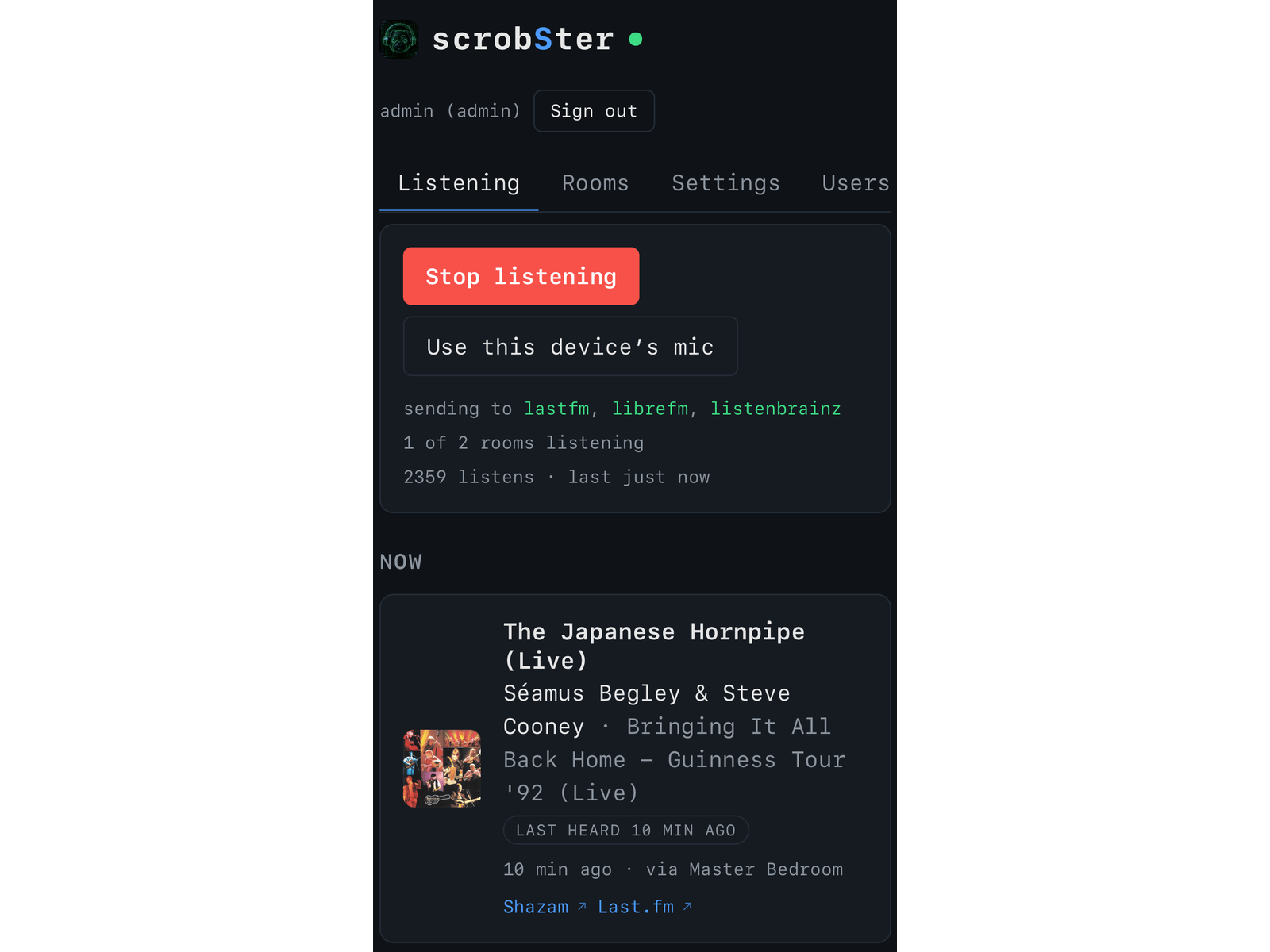
How it works
Every 15 seconds, ffmpeg records a 12-second clip from each room. A room is one input: a microphone or line-in on the server, a USB turntable, the audio from a camera's stream, or a browser on a tablet.
shazamio makes an audio fingerprint locally and asks Shazam for a match. When it gets one, scrobSter does two things:
- It sets "now playing" on your profile while the song keeps going.
- It scrobbles the track once per play.
If a song keeps playing, it doesn't scrobble it again. If it restarts, it does. It tells the difference by checking where in the song the match landed.
It sends to Last.fm, Libre.fm, ListenBrainz and Maloja. For ListenBrainz and Maloja it also looks up MusicBrainz IDs from the track's ISRC, so the right cover art shows up.
Records and old Raspberry Pis
A turntable was the obvious first room. Plug a USB turntable into a Pi, point scrobSter at it, and every side you play ends up on Last.fm.
Two things made this harder than I expected:
- USB sound cards move around. After a reboot, the card that was number 1 can come back as number 2. scrobSter now picks the card by its name, so the room keeps working.
- The end of a side isn't silent. The run-out groove keeps sending clicks and pops, loud enough to look like music. One setting makes the room look at the clip's floor instead of its peaks, so a finished side counts as silence and stops asking Shazam.
There's a 32-bit ARM image too, so an old Pi 3B on DietPi or Raspberry Pi OS works fine.
Using the cameras you already have
This was the fun part. Most homes with a few security cameras already have microphones in every room. scrobSter asks the camera for its audio only, over TCP, so no video is ever sent.
A few things I found out the hard way:
- Turn the audio on in the camera. Obvious, but it's off by default on a lot of them.
- Use AAC at 16 kHz or more if you can. G.711 at 8 kHz cuts off everything above 4 kHz, and Shazam's fingerprint uses up to about 5.5 kHz. You get far fewer matches.
- Use a restream. Cameras only take a few connections, so go2rtc or Frigate in front of them helps.
- UniFi Protect works. It gives you an RTSPS URL per camera. I have a cheap G3 Instant in one room, and I'm still surprised how well it picks up music, even at low volume.
Your phone as the microphone
This is the one I use a lot. Open the web page on your phone, tap Use this device's mic, and it records clips and sends them to your server. That covers the car, a café, or anywhere music is playing that isn't yours.
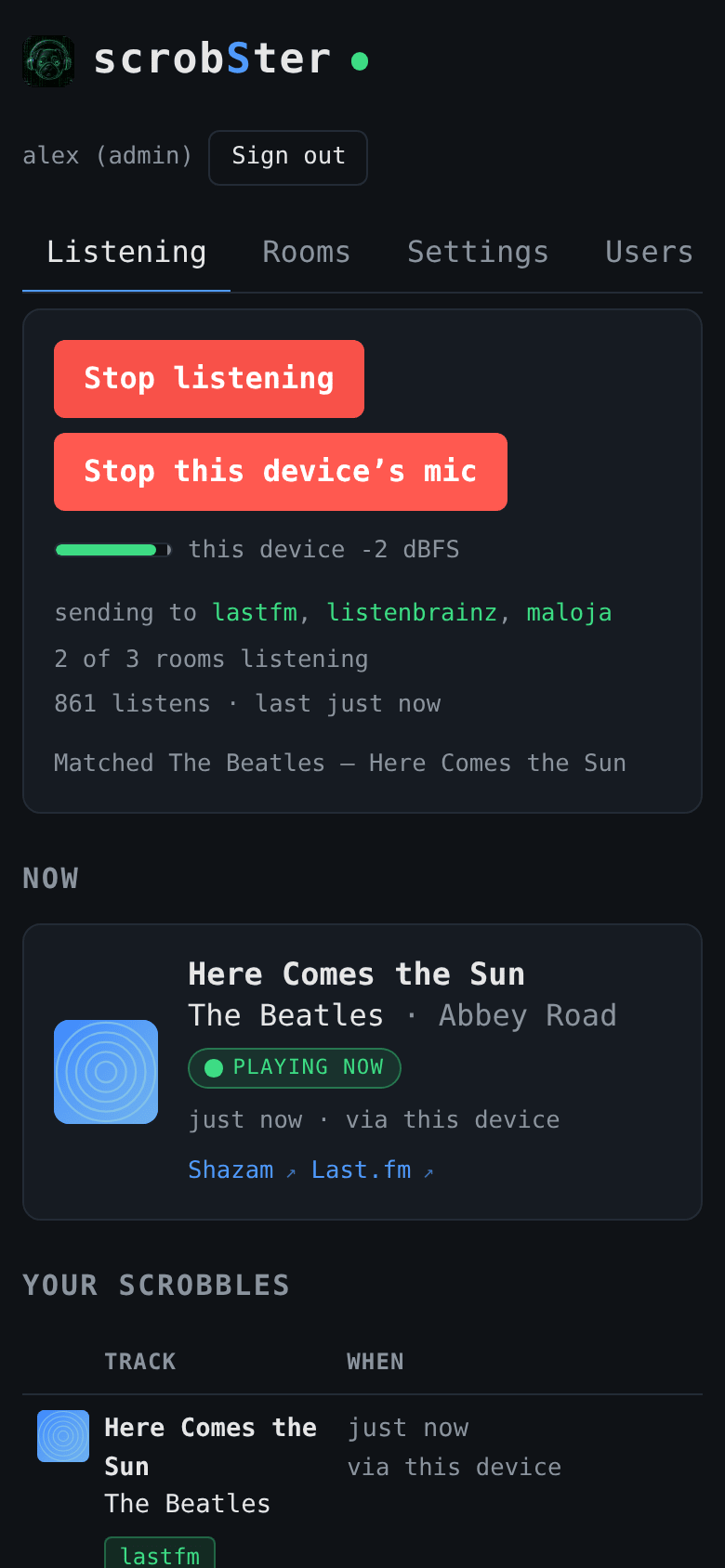
Browsers only allow the mic over HTTPS, so the page needs to be reachable that way. Tailscale or a Cloudflare Tunnel both work, and there's a guide for each. It uses about 16 MB of data an hour, and the screen has to stay on, so bring a charger on a long drive.
An old tablet works the same way, and can be a room's microphone full-time.
A display by the hi-fi
Once scrobSter knew what was playing, I wanted to see it. There's a display page that shows the cover, title and artist for a room. Put it on an old tablet, a Pi with a screen or a Home Assistant dashboard. An ESP32 with a small LCD can't run the page, but it can still show the cover with ESPHome.

It also works out the main colours of the cover and sends them over MQTT. In Home Assistant, a lamp can change to match the record. Put on a record with a red cover and the room goes red. When the record stops, the cover clears.
Privacy
Audio stays in the house. Each clip lives in a temporary file and gets deleted. Only the fingerprint goes to Shazam. Clips from a phone go to your own server, over whatever HTTPS route you set up. With Tailscale they go straight there. With a Cloudflare Tunnel, Cloudflare carries the audio on the way. Camera passwords stay on the server and are hidden in the web page and in error messages.
Sharing a house
Each person has their own account and connects their own services. Rooms are shared, so everyone chooses, room by room, whether to get scrobbles from it. A song heard by two rooms at once still counts as one play.
Shazam's rate limit
Every room asks Shazam from the same address, so the requests take turns. A silent room asks for nothing, and neither does a room where a song it already knows is still playing. If Shazam returns a 429, every room backs off for one to ten minutes. The admin page shows how many requests went out recently and warns you if your settings ask for more than the limit allows.
Running it
It's Python with ffmpeg. You can run it with Docker, as a systemd service, as a Home Assistant add-on, or on Kubernetes with the Helm chart. There are step-by-step guides for Home Assistant, Proxmox, Kubernetes and the phone mic. The Proxmox one shows how to pass a USB turntable through to a VM. The README has links to all of them.
Someone else uses it
Soon after I made it public, someone I'd never met opened an issue just to say thanks. They had it running on an old Pi 3B with a USB turntable, and it scrobbled the B side of a David Bowie record perfectly. Their setup, an old Pi and a USB turntable, is exactly what a lot of the work above is for.
It's one of those projects that started as "how hard could it be?" and turned into something I use every day. Now someone else does too.