legocam: my LEGO webcam from 2000, working on a modern Mac
The LEGO Studios camera is a Logitech QuickCam inside. No Mac driver has worked for it in years, so I wrote a small user-space one and fed it into the OBS Virtual Camera. Now it works in Zoom.
My mum gave me the LEGO & Steven Spielberg MovieMaker Set (1349) for Christmas in 2000. I loved it. The best part was the camera: a little webcam in a LEGO brick body. I clipped it onto my LEGO RC car base to make a spy car, and drove it around as far as the USB cable reached from my little Sony VAIO laptop.
Inside, the camera is a Logitech QuickCam Web, USB ID 046d:0850. No macOS
driver has worked for it in a long time. So I wrote one.
legocam is about 400 lines of C and
Objective-C, and the camera now shows up in Zoom, FaceTime and the browser.
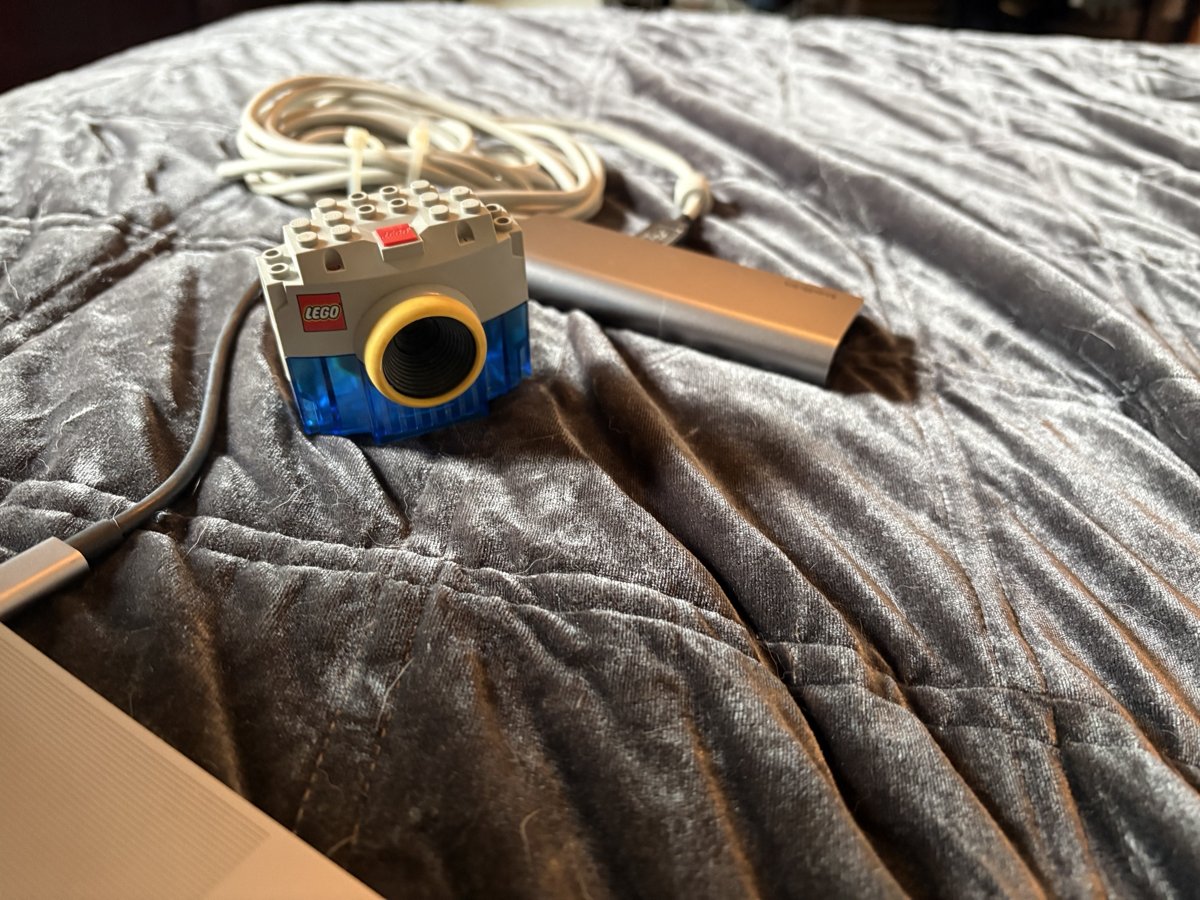 The camera, 26 years on, plugged into a USB-C hub.
No kernel extension needed
Modern macOS makes kernel extensions hard to load, for good reasons. I didn't
need one. libusb lets a normal program talk to a USB
device directly, so legocam is just a command you run.
The hard part is knowing what to say to the camera. Luckily, Linux still
supports it. The gspca_stv06xx driver knows this camera well: an STV0610 USB
bridge in front of a VV6410 image sensor. I read that driver and copied the
protocol: which registers to write, in which order, to wake the sensor up and
start streaming.
The camera sends frames over an isochronous USB endpoint. Each packet has small
headers that mark the start of a frame, image data and the end of a frame.
legocam stitches the data together and writes each complete frame to stdout:
raw 356x292 pixels in a Bayer pattern (bayer_grbg8).
Writing raw frames to stdout keeps it simple. ffplay can show them straight
away:
make viewGetting it into Zoom
A command that prints frames isn't a webcam. On macOS, a new camera has to be a signed camera extension, and a free Apple developer account can't sign one.
But OBS already ships a signed one: the OBS Virtual Camera. So I wrote a second
small program, obscam. It finds the OBS camera device through CoreMediaIO,
opens its input stream, and pushes the frames in, converted to colour with
libswscale. The OBS app doesn't even need to be running.
make webcamThen pick "OBS Virtual Camera" in any app.
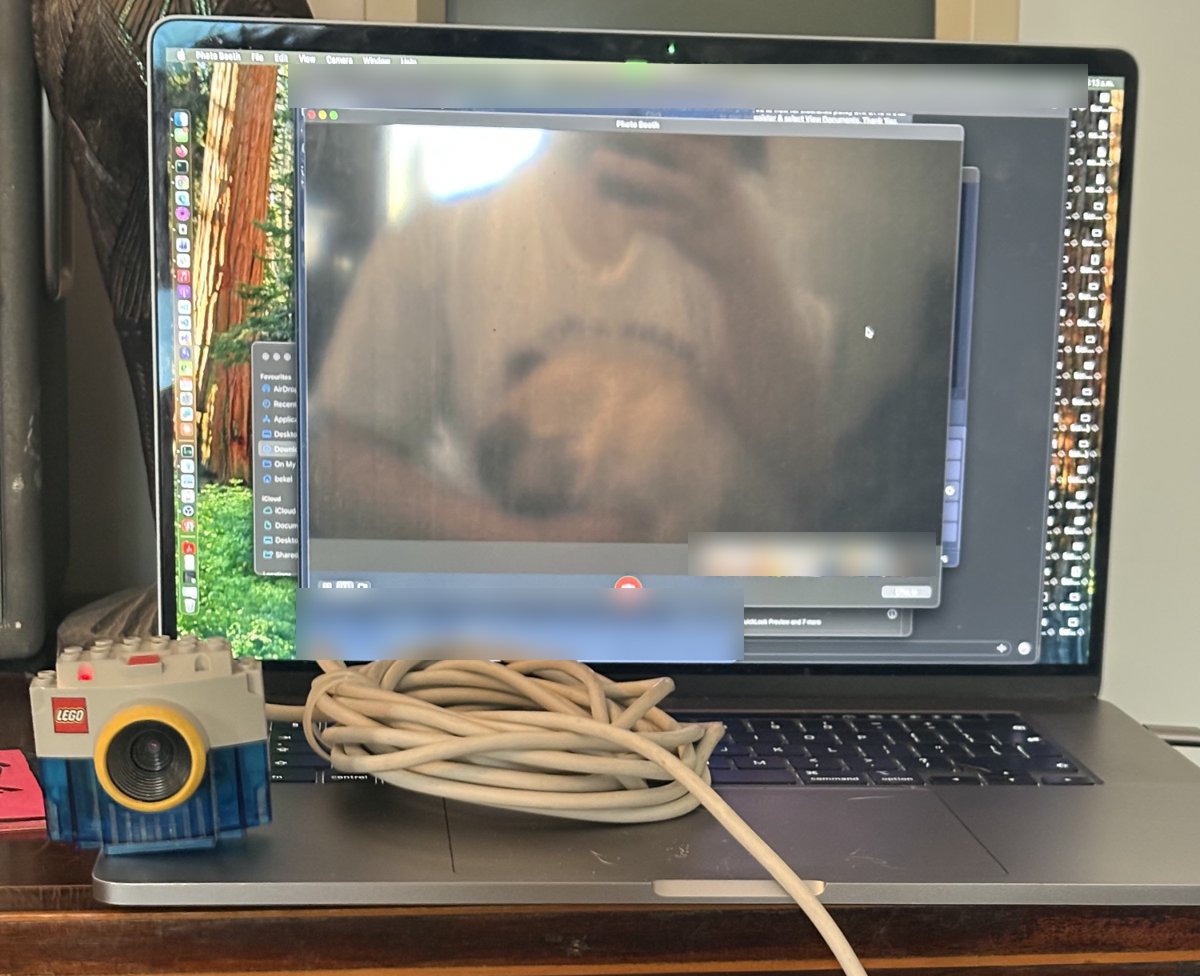
Photo Booth, live from the LEGO camera. The first test subject was Buttercup, one of my pugs.
What it can't do
- It runs at about 5 frames per second. That's the limit of USB 1.1 and the sensor clock, not the code.
- There's no automatic exposure. You set exposure and gain by hand if the picture is too dark or too bright.
- The microphone and the snapshot button don't work yet.
- Apps call it "OBS Virtual Camera", not "LEGO".
I've tested it on an Intel MacBook Pro with macOS 15.7.3. If you try it on Apple Silicon, let me know how it goes.
Thanks to the Linux driver
None of this would exist without the people who wrote and kept up the Linux
gspca_stv06xx driver, years ago, for a camera most people threw away. legocam
is GPL-2.0, like the driver it learned from.
The code is on GitHub: benkelly/legocam.